
Free Multi-Currency Invoice Generator
Create professional invoices in USD, EUR, GBP, JPY or 180+ currencies.
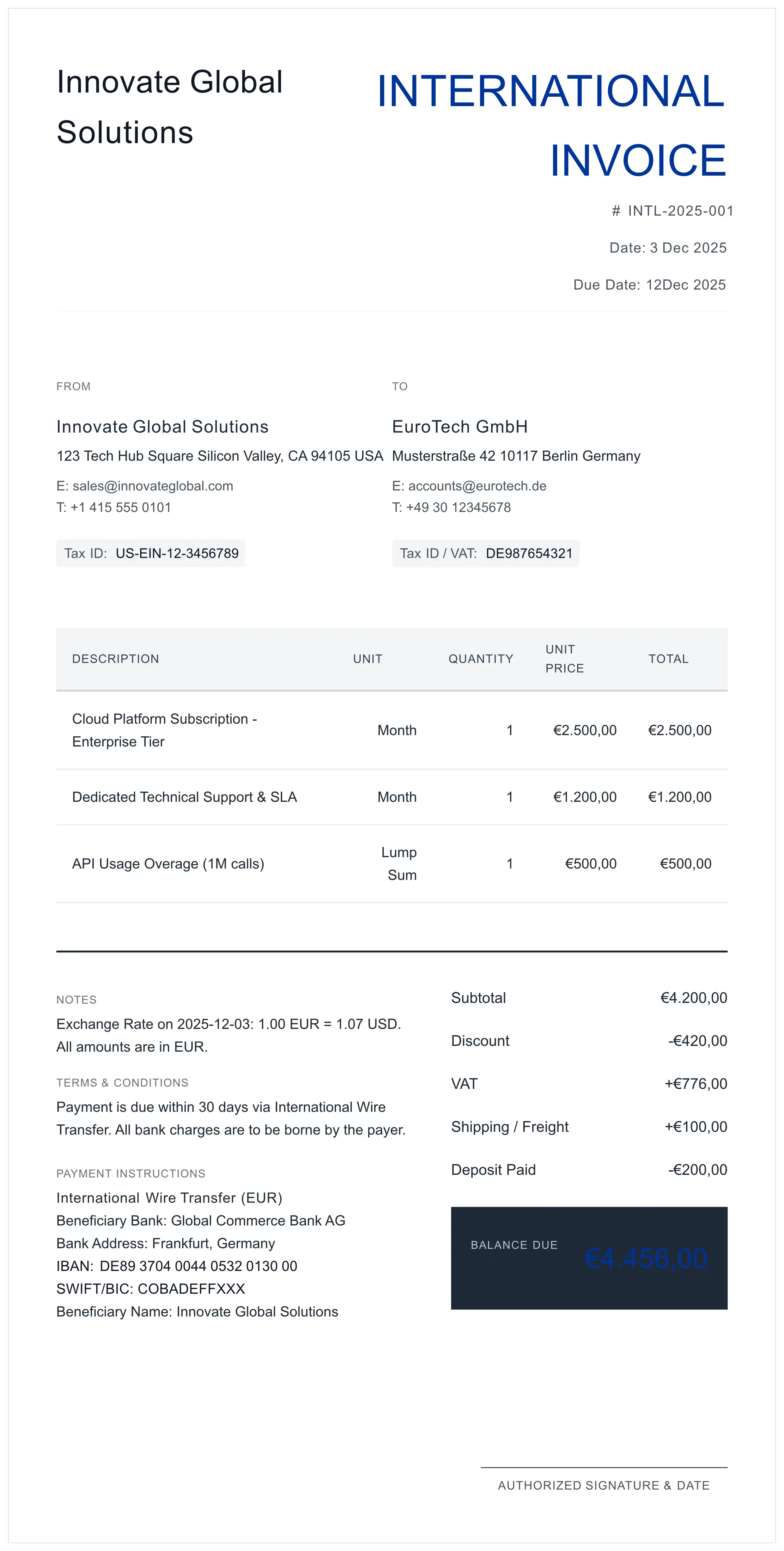
Built for SWIFT/BIC accuracy and cross-border banking compliance.
No signup required. Instant PDF download. Zero Data Retention.
- 1 Set Currency: Select ISO 4217 code (e.g., USD, EUR).
- 2 Banking Data: Input IBAN & SWIFT/BIC accurately.
- 3 Export: Generate secure, selectable PDF.
Legal Disclaimer: This tool is provided for informational and illustrative purposes only and does not constitute legal, tax, or financial advice. While designed to follow ISO standards, users are solely responsible for ensuring compliance with local laws, correct application of Withholding Taxes (WHT/VAT), and adherence to international trade sanctions (e.g., OFAC, EU lists). The providers of this tool assume no liability for payment delays, regulatory penalties, or financial losses resulting from the use of these documents. Always consult a qualified professional for cross-border transactions.
Engineered for Global Commerce
Standard invoices fail at cross-border payments. We focus on the technical details that ensure you get paid.
ISO 4217 Currency Support
Beyond just symbols. We support proper formatting for USD, EUR, GBP, JPY and more. The layout adapts to ensure clear communication of the debt amount.
SWIFT & Routing Logic
Domestic templates lack space for SWIFT/BIC codes. Our layout prioritizes these fields, crucial for wire transfers to route correctly through the banking network.
OCR-Friendly PDF
Automated Accounts Payable systems need to read your invoice. Our PDFs are vector-based, ensuring data extraction is 100% accurate without OCR errors.
Why Your Payment Might Be Delayed
In international wire transfers (especially USD), money rarely moves directly from Bank A to Bank B. It often passes through a Correspondent/Intermediary Bank.
The Solution: Use the "Payment Methods" or "Notes" section of this generator to explicitly list:
- Beneficiary Bank: Your local bank.
- Intermediary Bank: The US-based bank your local bank uses for dollars.
- SWIFT Codes: For BOTH banks.
SWIFT: CHASUS33
BENEFICIARY BANK: DEUTSCHE BANK
SWIFT: DEUTDEFF
IBAN: DE89 1007...
Global Formatting Standards
Different regions use different separators for thousands and decimals. Using the wrong one can lead to 100x payment errors.
| Region / Currency | ISO Code | Format Standard | Visual Example |
|---|---|---|---|
| United States | USD | Dot (.) for decimal | $1,250.50 |
| European Union | EUR | Comma (,) for decimal | 1.250,50 € |
| United Kingdom | GBP | Dot (.) for decimal | £1,250.50 |
| Japan | JPY | No decimals (typically) | ¥125,050 |
*Our tool helps you present these clearly, but always verify your specific client's preference in the 'Notes' section.
Professional Workflow for Exporters
- Select ISO Currency: Go to "Settings" and choose the exact ISO 4217 currency. Do not assume "$" means USD; it could be CAD, AUD, or SGD.
- Enter Routing Data (SWIFT/BIC): In "Payment Methods", provide your Bank Name, IBAN, and SWIFT code. Double-check characters like '0' (zero) vs 'O' (letter).
- Define Fee Responsibilities (OUR/SHA): In the "Notes" section, clarify who pays the wire fees. E.g., "Payer covers all bank charges (OUR instruction)."
- Itemize with Tax Codes: If you are exporting services, list your VAT/GST number and your client's Tax ID to comply with reverse-charge mechanisms.
- Generate Secure PDF: Click "Generate". The resulting PDF locks the layout and ensures fonts are embedded for universal readability.
Technical FAQ
Is this invoice template ISO 4217 compliant?
Yes. Our generator adheres to ISO 4217 standards for currency codes (e.g., using 'USD' alongside '$') and correct decimal formatting logic. This ensures your invoice is recognized by automated banking software globally.
Who pays the SWIFT transfer fees (OUR/SHA/BEN)?
This is a common dispute in international billing. We recommend using the 'Notes' section of this generator to specify 'All bank charges to be paid by the payer' (OUR) to ensure you receive the full amount. If unspecified, banks often default to 'SHA' (Shared), meaning you receive less than invoiced.
How do I add an Intermediary Bank for USD transfers?
For non-US bank accounts receiving USD, an intermediary bank is often required. You can enter these details in the 'Payment Instructions' or 'Notes' field. Include the Intermediary Bank Name and their SWIFT/BIC code to prevent payment rejection.
Does the PDF support OCR for finance departments?
Yes. Unlike image-based invoices, our PDF output is vector-based and text-selectable. Accounts payable teams can copy-paste your IBAN and SWIFT codes directly into their banking portal, reducing transcription errors.
What currencies does this invoice generator support?
Our generator supports all 180+ currencies defined by ISO 4217, including major currencies (USD, EUR, GBP, JPY, CAD, AUD, CHF) and emerging market currencies (CNY, INR, BRL, MXN). The system automatically applies correct decimal formatting and symbol placement for each currency.
Can I use this for invoicing international freelance clients?
Yes. This generator is ideal for freelancers billing international clients. It includes fields for IBAN, SWIFT/BIC codes, and intermediary bank details that ensure wire transfers route correctly. You can also specify fee responsibilities (OUR/SHA/BEN) to avoid payment deductions.
How is my data secured?
We use a 'Zero Data Retention' architecture. Your data is encrypted via 256-bit TLS and transmitted to our secure server solely for PDF generation. All data is permanently deleted immediately after your PDF is created. No data is written to any database or persistent storage.
Need help with cross-border billing? Read our complete guide to international invoicing.
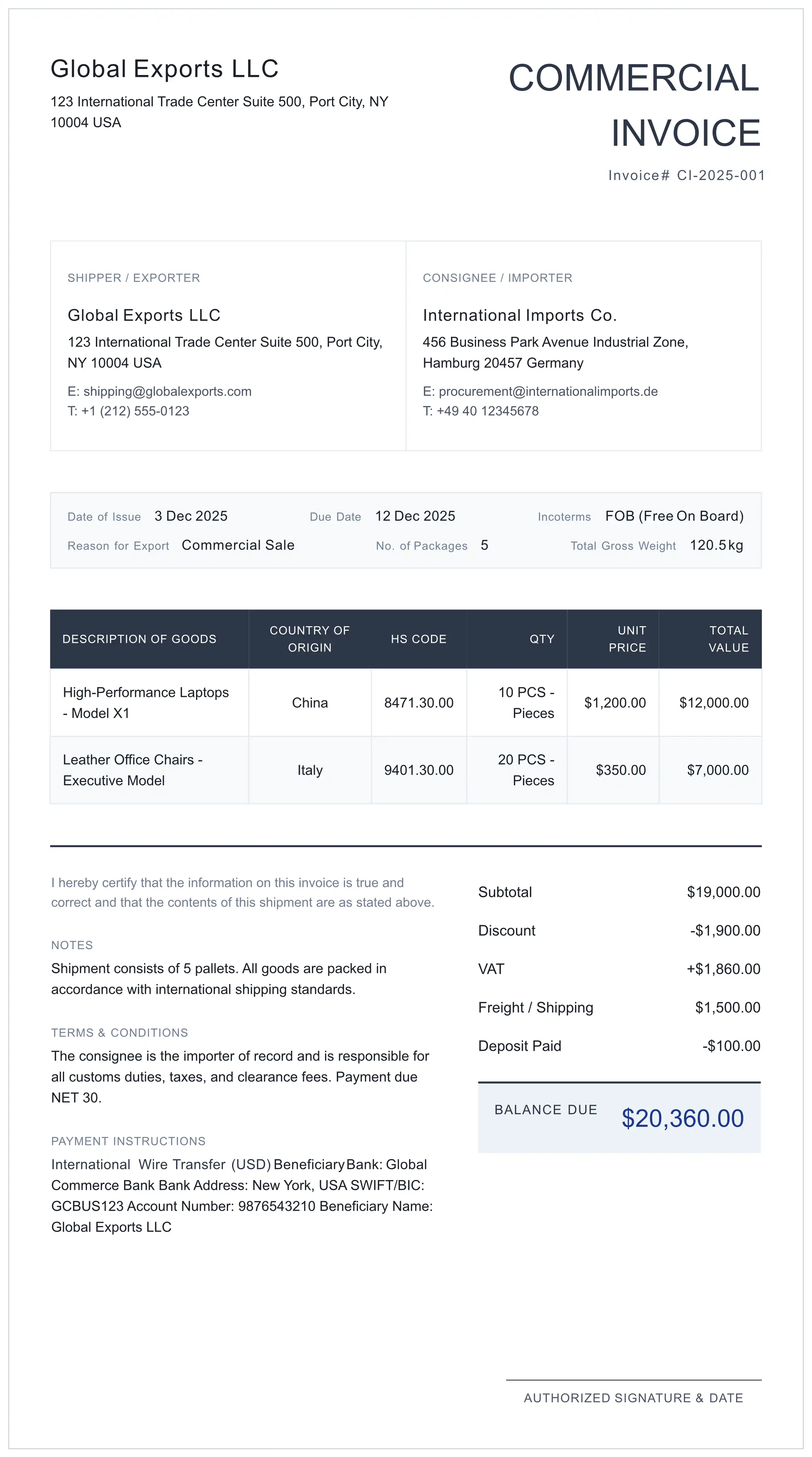
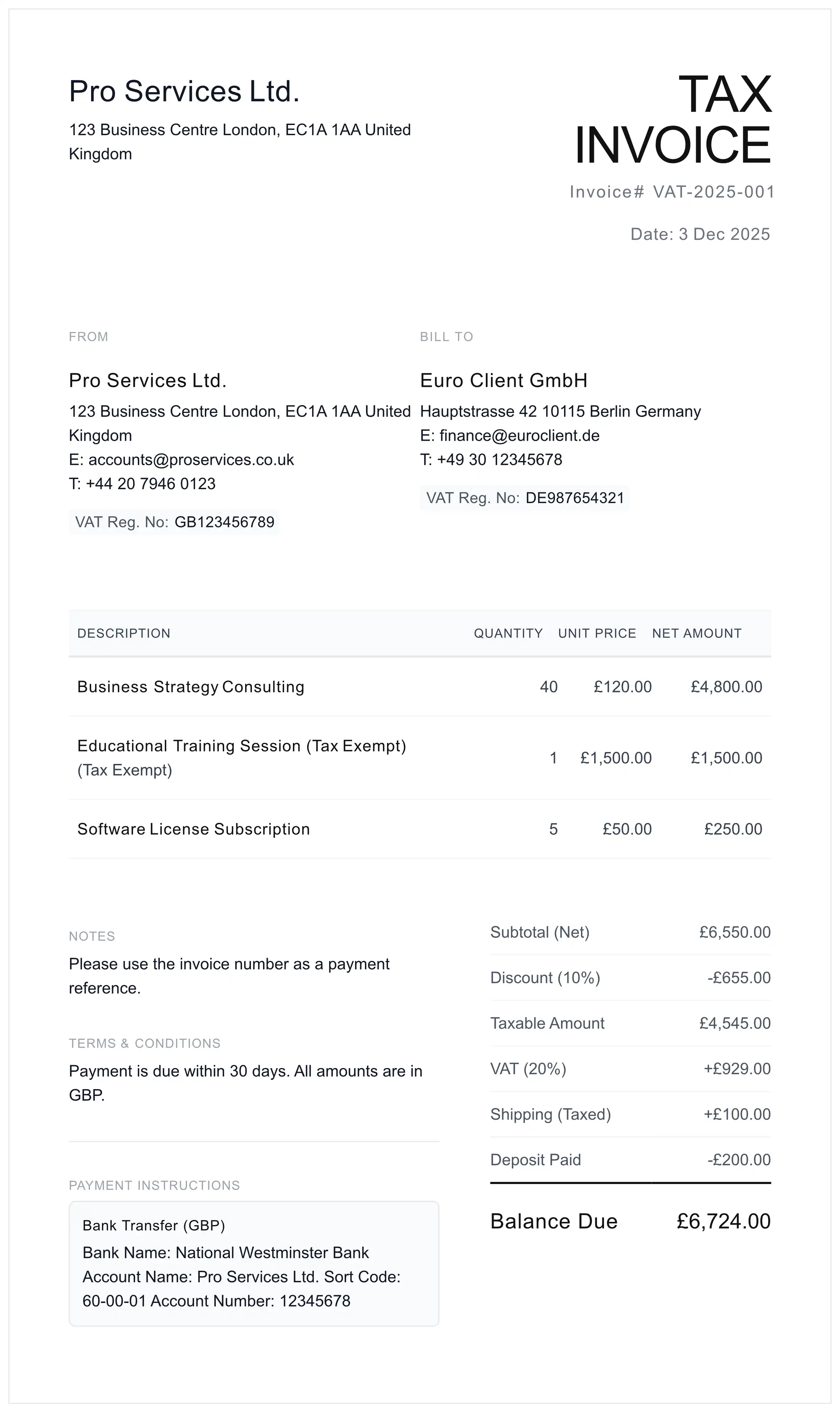
Compliant Trade Documentation Tools
Secure Your International Revenue
Don't let bad formatting delay your payment. Create a banking-standard invoice in seconds.
Generate ISO Invoice Now