
Freelance invoice — PDF
Print-ready blank form.
Download PDFPrint-ready blank form.
Download PDFFully editable in Microsoft Word, Google Docs or LibreOffice.
Download DOCXTotals, tax and grand total compute automatically.
Download XLSX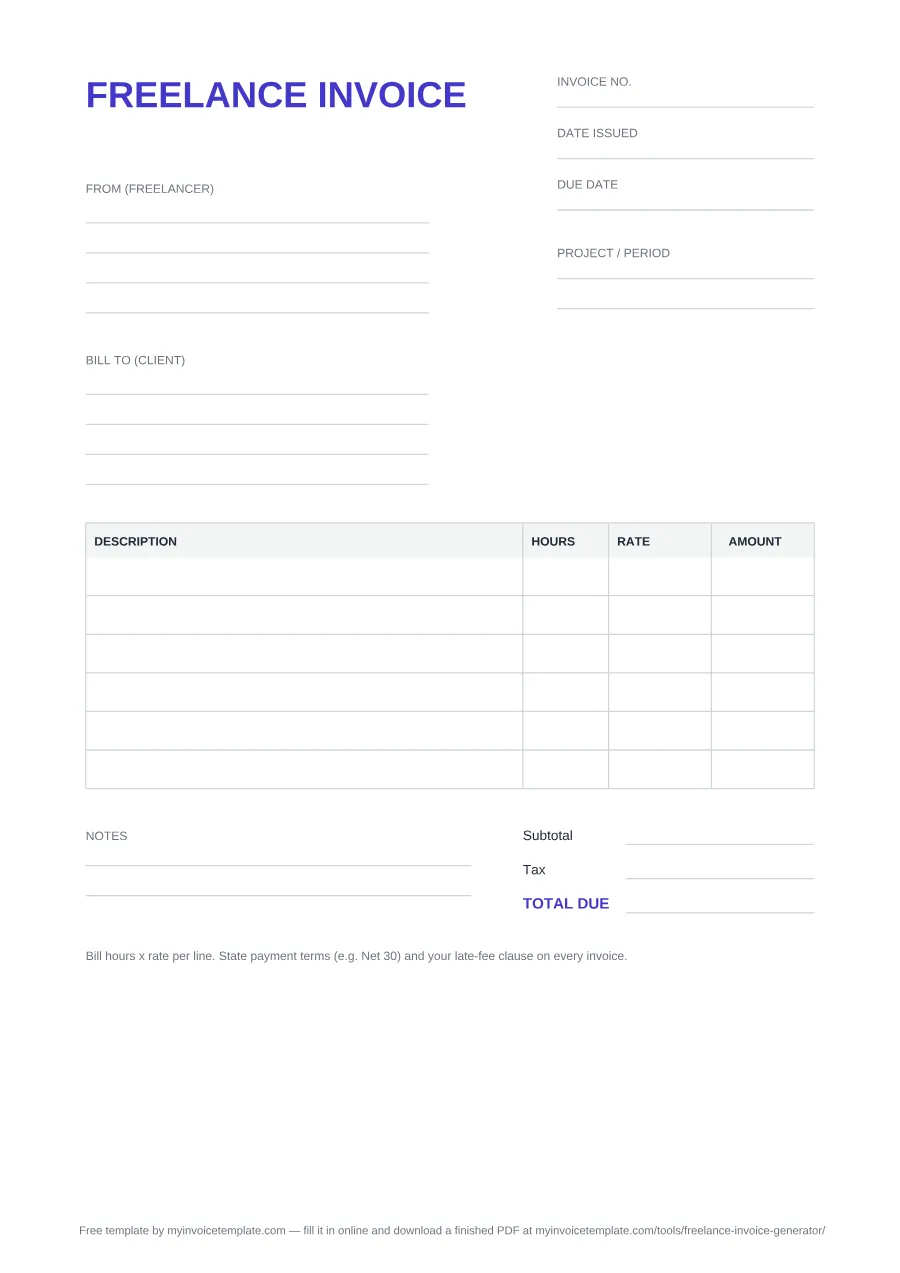
Yes. In the XLSX each Amount cell multiplies that row's Hours by its Rate, the Subtotal is a SUM over the ten line rows, the Tax line applies a tax-rate percentage you type into its own cell, and Total Due adds subtotal plus tax. That tax-rate cell ships at 0 because we do not guess a rate for your jurisdiction — type your own and every figure below it updates. The PDF and Word versions are blank forms with no formulas, so you add the numbers yourself.
Free for personal and commercial use. No signup, no email, no attribution required.
Files generated and regenerated from the same source configuration with every revision of the template — the copy you download is always the current one.
Prefer a finished PDF? Fill it in online. The Freelance Invoice Generator takes the same fields in a browser form, does the math for you and hands back a completed, print-ready PDF.
Open the Freelance Invoice Generator →Here is the same FREELANCE INVOICE with every field filled in, so you can see what goes where. The amounts are placeholders: illustrative, not market rates.
FREELANCE INVOICE SAMPLE
From (freelancer)
[Your name] (trading as [business name, if any])
[Your address]
[Email] · [Phone]
Bill to (client)
[Client name or company]
[Client address]
[Accounts email]
Project / period
Website copy — work done [1–30 month year]
| Description | Hours | Rate | Amount |
|---|---|---|---|
| Discovery call and brief | 2 | 50.00 | 100.00 |
| Drafting: homepage and three service pages | 10 | 50.00 | 500.00 |
| Revisions (one round, as agreed) | 3 | 50.00 | 150.00 |
| Subtotal | 750.00 | ||
| Tax (0 here: enter the rate that applies to you, if any) | 0.00 | ||
| TOTAL DUE | 750.00 | ||
Notes
Payment terms: Net 30 (due [due date]). Pay by bank transfer to [account name, account number or IBAN], quoting INV-0007.
The blank covers what every invoice needs. What you add depends on where you work; these notes quote the official guidance for three countries.
GOV.UK says you "need to give them an invoice (bill) by law if both you and the customer are registered for VAT (a business to business transaction)". Its list of what an invoice must include is: a unique identification number; your company name, address and contact information; the customer's name and address; a clear description of what you're charging for; "the date the goods or service were provided (supply date)"; the date of the invoice; the amounts charged; VAT if applicable; and the total owed. For sole traders it adds "your name and any business name being used" and "an address where any legal documents can be delivered to you if you are using a business name".
Source: GOV.UK, Invoicing and taking payment from customers and Invoices: what they must include (checked September 25, 2026). More detail: how to invoice as a sole trader.
business.gov.au says GST-registered businesses must use tax invoices, while businesses that aren't registered for GST use regular invoices "that don't show any tax". For a regular invoice there is no law that sets out the content, but its list of common practice starts with "the word 'invoice' – you must not use 'tax invoice'" and includes your business name and your ABN. This template is titled FREELANCE INVOICE, so add your ABN under From (freelancer) and leave the Tax line at 0. Once you are registered for GST, you use tax invoices instead, which by law must show the words "tax invoice", your ABN and the GST amount, among other details.
Source: business.gov.au, How to invoice (checked September 25, 2026).
US clients who have to report what they pay you to the IRS ask for your taxpayer ID on Form W-9, which the IRS says you use "to provide your correct Taxpayer Identification Number (TIN) to the person who is required to file an information return with the IRS" (IRS, About Form W-9). How that fits with your invoice, and what a "1099 invoice" means, is covered in our 1099 invoice guide.
If you sell products or bill fixed units rather than hours, the general blank uses QTY × UNIT PRICE columns instead: PDF, Word or Excel.
For the full picture — record keeping, tax registration and sending invoices as a self-employed person — read the Self-Employed Invoice Guide.
All three formats carry the same document, titled FREELANCE INVOICE. Here is every field on it, from top to bottom, with the two that the spreadsheet version leaves out marked:
The tax line ships empty in the PDF and Word files, and the Excel tax-rate cell starts at 0 — we do not assume a rate for your country, state or client. Fill in the rate that applies to you.
Use it whenever you have finished billable work and want to be paid for it as an independent contractor rather than an employee. That covers the ordinary cases — a delivered project, a month of retainer work, a batch of hours logged against a client — and it also covers the awkward ones, like a deposit before you start or a partial milestone on a long engagement.
The details that decide whether it gets paid on time are mostly boring ones: a unique invoice number so both sides can reference it, a due date rather than a vague "on receipt", and payment terms plus any late-fee clause written on the invoice itself. Terms you never disclosed are hard to enforce later.
For the longer version — how to set terms, chase a late payer, and handle taxes as a freelancer — read the Invoicing Guide for Freelancers.